


 |
|
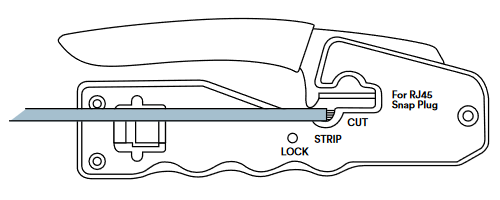
| 1 | Remove approximately 20mm of outer jacket using the multi-purpose crimp tool. |
 |
|
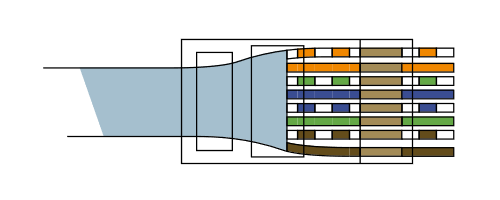
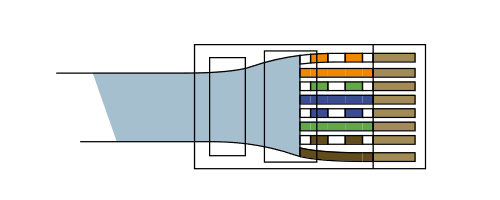
| 2 | Arrange wires into the correct colour code sequence (most commonly EIA/TIA 568B). Slot cable into the plug pushing the wires through. Outer sheath of cable should sit inside the plug as far up as possible. |
 |
|
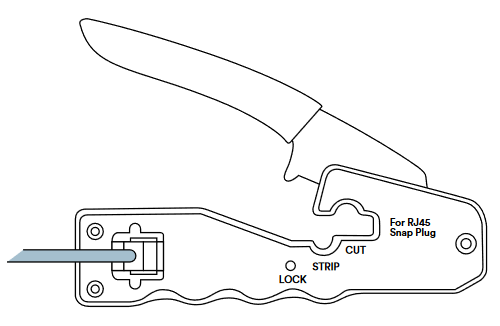
| 3 | Press the ‘Lock’ Button on Crimp tool to open it ready for use. Insert the loaded RJ45 plug into the socket and squeeze the handle to crimp the plug, the excess wire will also be trimmed at the same time. |
 |
|
| 4 | If you have followed the instructions you should now have a fully working RJ45 Connection. |
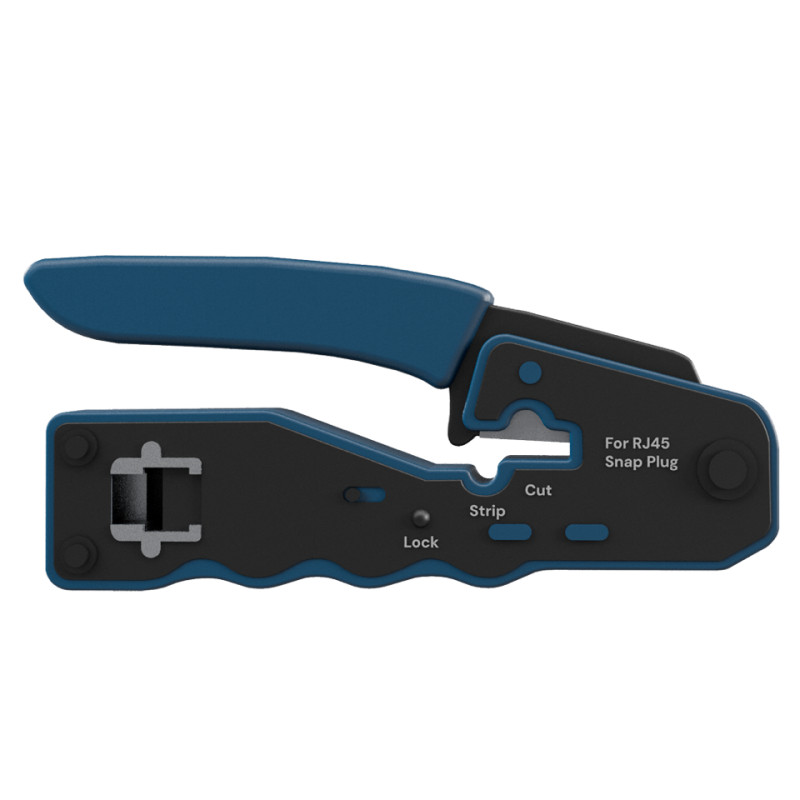
RJ45 Crimp Tool, for use with Easy Cat 6 RJ45 UTP & FTP Pass through Plugs
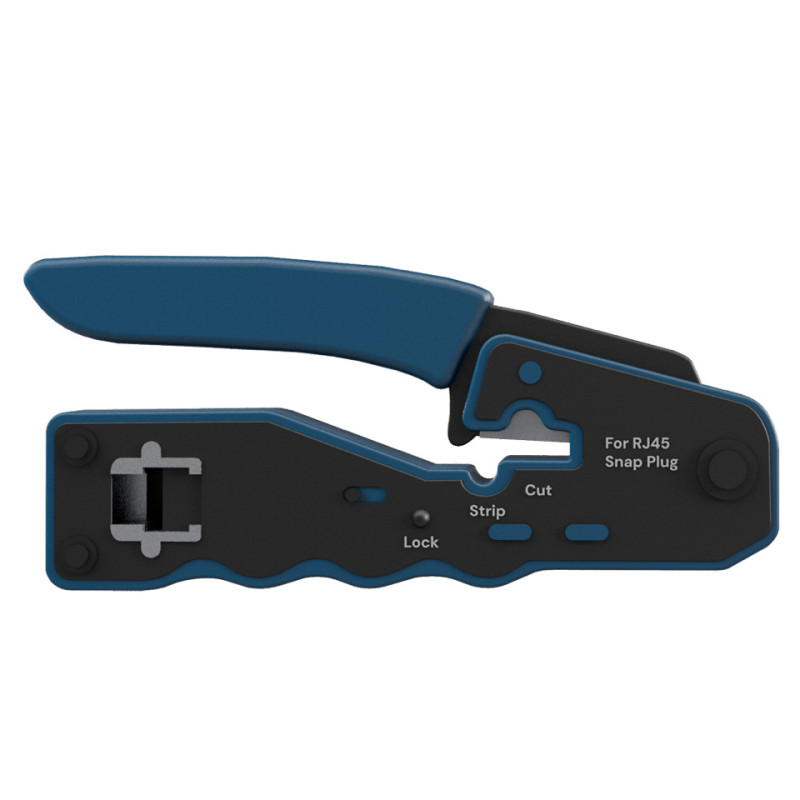
RJ45 Crimp Tool, for use with Easy Cat 6 RJ45 UTP & FTP Pass through Plugs
check_circle
check_circle